The firm raises the request. Six desks read the record.
Injury Docs is one system the firm and the clinic both open. On the firm’s side, six different jobs read the same request, the same ledger and the same log — and none of them reads all of it, because a role here is a set of grants you can read on a screen, not a seat at a desk. This page is the map: which page was written for your chair, which of the eleven firm roles it covers, and where on the firm’s rail each desk lives.
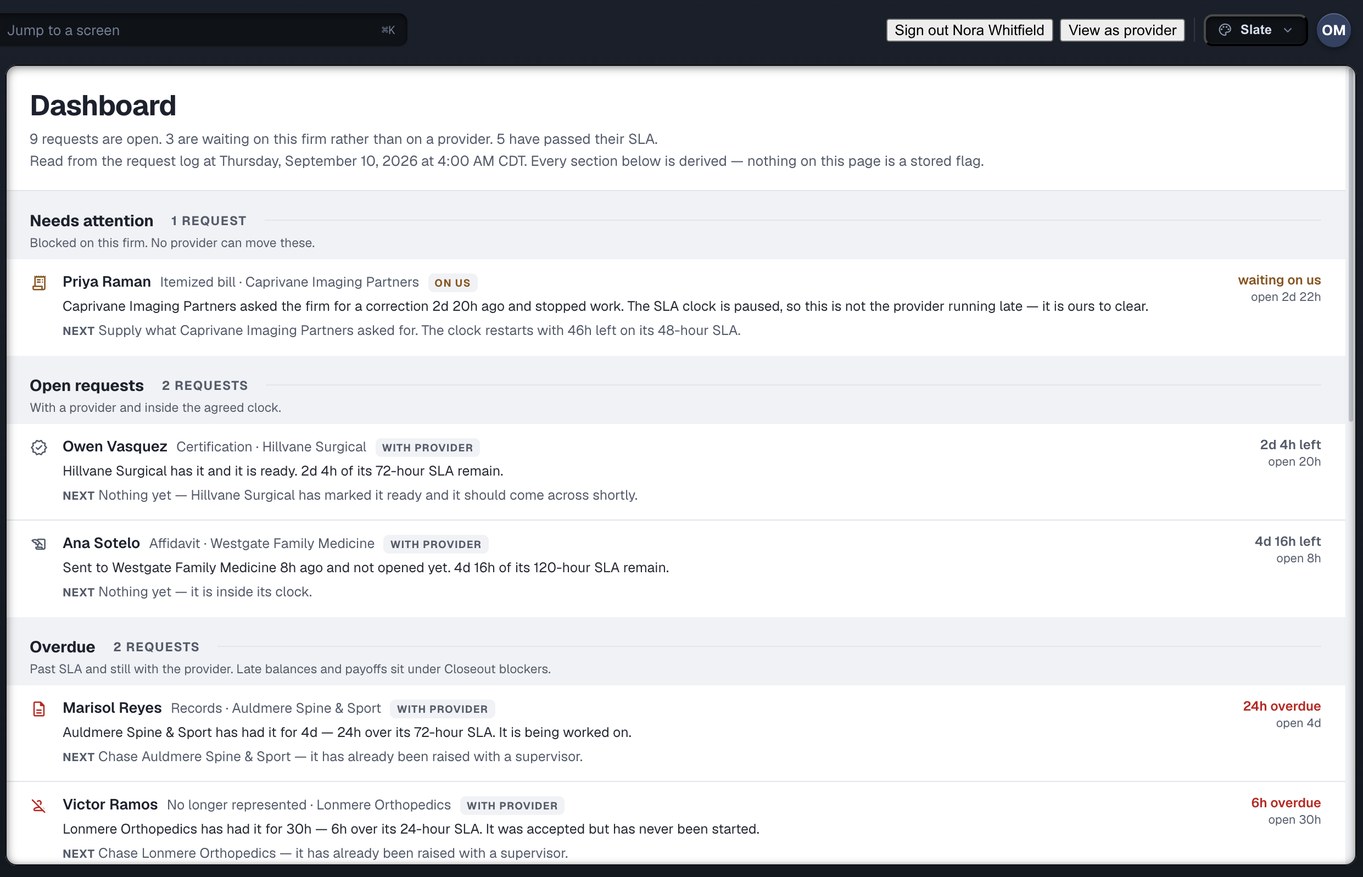
The Dashboard screen, captured from the running build, 24 September 2026. Demonstration data — every name, matter and figure is a fixture, not a real client, clinic or balance.
Six pages, each written for one desk
The home page says what Injury Docs is. These six say what it is for you, in the words of the job: the questions you get asked, the screen that answers them, and the refusal you will meet if you ask for something that is not yours to do. Each card opens with the screen that page uses as its own hero.
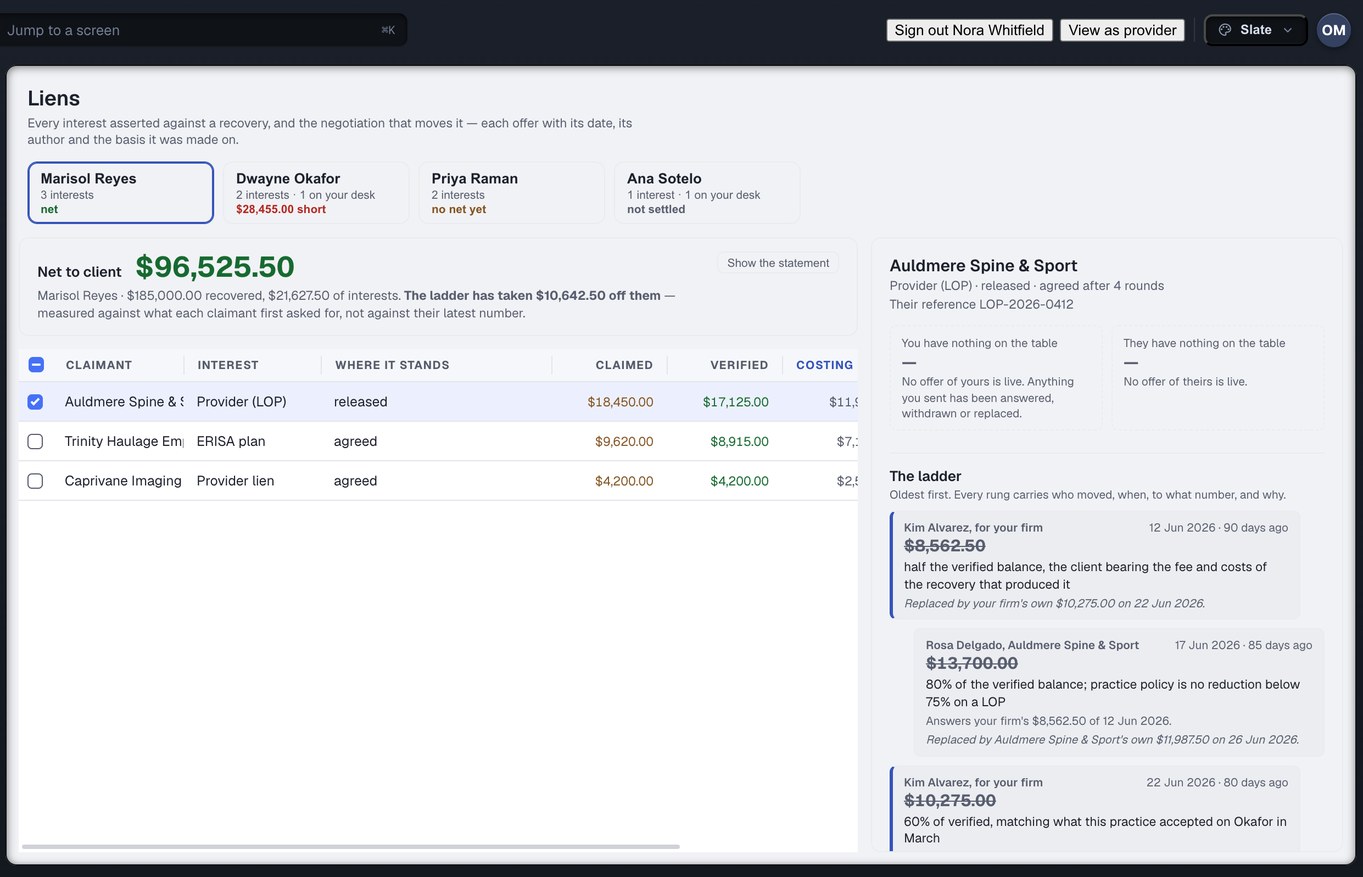
Read what came back, then decide
You sign the demand and the disbursement, so the questions are yours: is the chart complete for the dates you asked for, which affidavits are sworn, what each reduction offer rests on. Every answer is read from the record, and what still blocks the cheque is a named list.
The attorney’s page →
The clinic relationship on one clock
You send a client to a clinic and need to know they were seen; you order the chart and need to know where it is. A referral is tracked through to seen, Discover shows where a client treated before you order, and one dashboard section is about your desk rather than the clinic’s.
The case manager’s page →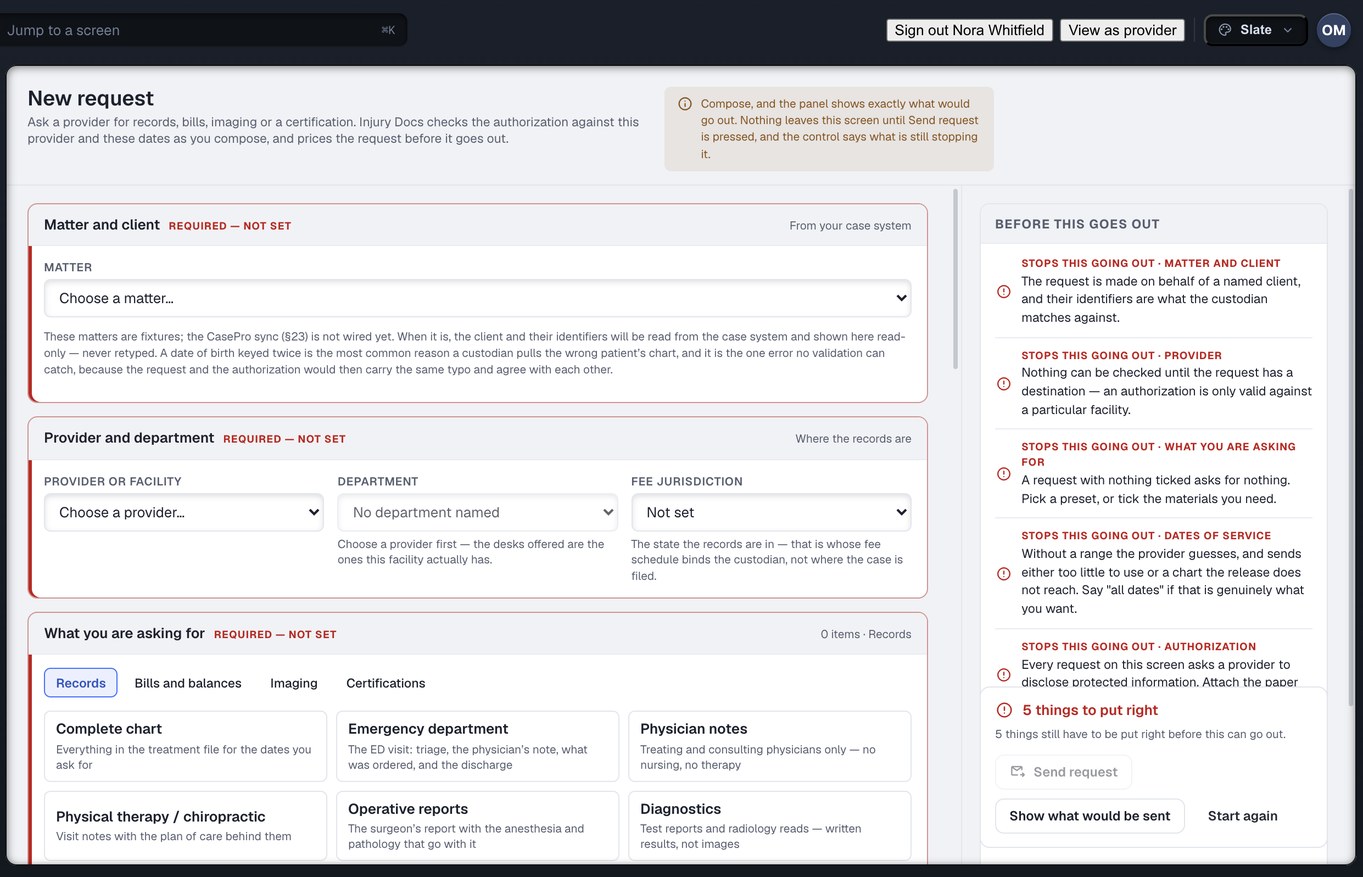
Raise it once, then know where it is
You raise the request against a named list, not a paragraph, and the release is checked against that list before Send will work. The Requests screen answers where the chart is without opening an email thread.
The records specialist’s page →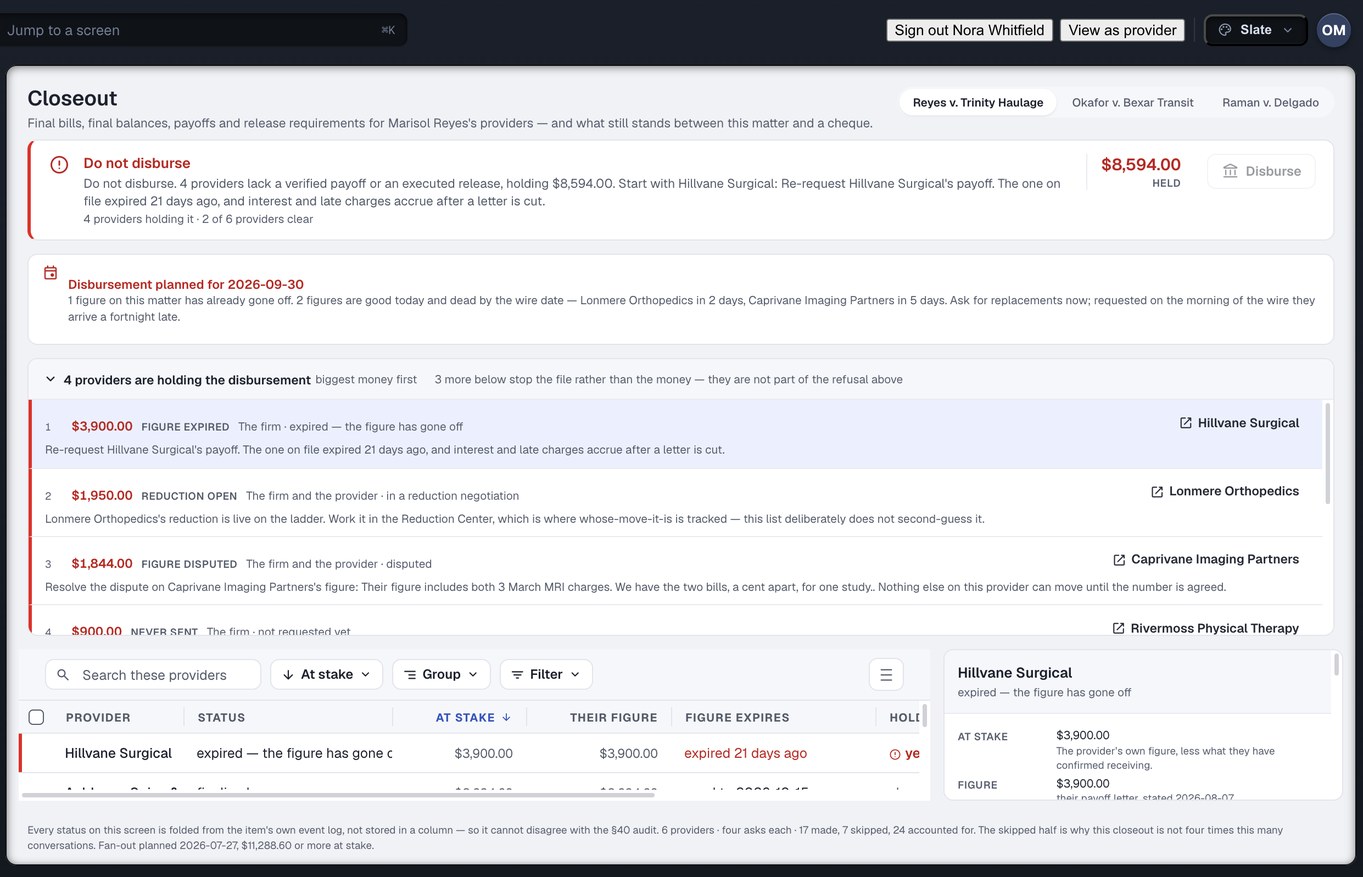
The afternoon the case settles
Final balances and payoffs are tracked requests with a good-through date, on the one ledger the clinic reads too, and Closeout names whose desk each blocker is on. Nothing is paid through Injury Docs — the money moves in the bank, and the record will not write a release for money nobody confirmed.
The settlement desk’s page →
The firm owns the record
Eleven roles, each a set of grants you issue and can read back in the people list, and a request that stays your firm’s even while a clinic is working it. Reports measured from the log rather than typed into it, and a record with no edit and no delete anywhere in it.
The owner’s page →
Four hundred requests, blast radius first
Every row is ready, needs review or blocked — with the reason named — before anything is sent, and the cost is on screen first. A blanket release is read as written, a blank one still blocks, and a run that only partly went out is reported as what it was.
The mass tort page →Every thumbnail above was captured from the running build, 24 September 2026. Demonstration data — every name, matter and figure is a fixture, not a real client, clinic or balance.
Eleven firm roles. Six pages cover all of them.
A role in Injury Docs is a template: which screens, which kinds of record, which verbs, and how far up the money ladder. The one-line purposes below are the product’s own, from its role picker, put into plain words — and the last column says which of the six pages was written with that chair in mind.
| Role | What the product says it is for | The page for that chair |
|---|---|---|
| Owner | Owns the firm’s account. Everything, including the money and who may see it. | Owners & administrators → |
| Admin | Runs the firm’s account: people, offices, teams, settings and integrations. Cannot move money. | Owners & administrators → |
| Attorney | Runs matters end to end, including liens, reductions and what the client nets. | Attorneys → |
| Case Manager | Runs the day-to-day of a matter: records, providers, bills, the client. Reads a bill’s total, not the fee schedule behind it. | Case managers → |
| Medical Coordinator | Places clients with providers, manages treatment and letters of protection. | Case managers → |
| Records Specialist | Orders, chases and pays for records. Owns the authorisation vault — and reads the fee schedule, because they approve what the firm pays per page. | Records specialists → |
| Intake | Brings on new clients and opens matters. Sees no money at all. | Records specialists → |
| Settlement | Negotiates liens and reductions and builds the client’s disbursement. | Settlement & accounting → |
| Accounting | Moves money: trust, disbursement, provider payments, payouts. Cannot configure the account. | Settlement & accounting → |
| Read-Only | Can look at the file on screen. No money, no changes, no copies out — no download, export or print. | Owners & administrators → |
| Custom | Starts with nothing. Built up axis by axis, so it cannot start too wide. | Owners & administrators → |
Mass tort is not a role. It is a workload — the records specialist’s and case manager’s desks at four hundred requests — so it has a page of its own and no row here. And one person doing two of these jobs holds two grants, visible side by side in the people list, which is the point of keeping them separate.
Fourteen destinations, grouped the way the rail groups them
One rail, mounted for the firm because the signed-in organisation is a firm. Every desk above lives on some part of it; no desk sees all fourteen. Each line below is what the product’s own rail says the screen is for.
Every firm role has a page. Three other groups do not belong on this one.
All eleven firm roles are covered above; there is no firm chair without a page. What you will not find here is the clinic’s side — twelve destinations of its own, read the same ledger from the other end, and written up at the provider page. Nor the outside custodians, release-of-information vendors and experts a firm works with: they hold accounts of their own, in their own shop, and reach one of your requests only through a delegation your firm issued, with an expiry that is not optional.
And not the injured person. They have no account, no login and nothing to open, which is deliberate: the exchange exists so that the firm and the clinic talk to each other, and the client is not the one doing the chasing. The full map of who uses Injury Docs, all four organisation families, is at who it is for.
Pick your chair. The record is the same one.
Create your firm account, issue the six desks their grants, and put one stuck matter through the request, the ledger and the closeout list — then read back who held it, and for how long, without asking anyone.
Want the product itself, not the map? The firm page → · Run a clinic? Read the provider side →